 AnswerLion
generate robots txt file
Generate Robots.txt File for AI Crawlers: Rules That Work
How to generate robots.txt file rules for AI and search crawlers: a copy-ready example, user-agent table and testing steps.
Published · Updated · By AnswerLion
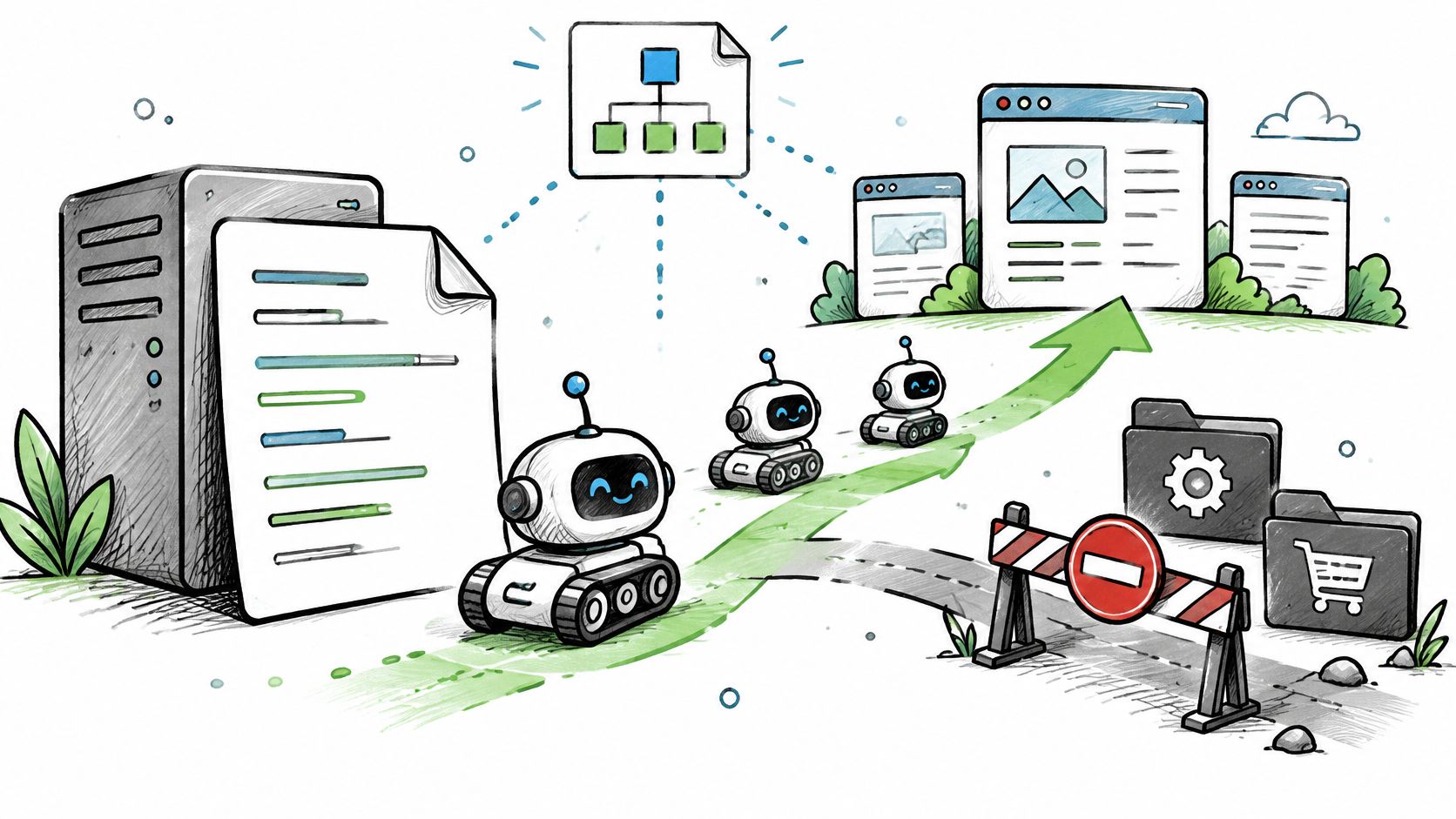
Your team is ready to publish new service pages, but someone has also suggested blocking AI bots. You want customers to find the business in search and assistant answers without making every content-reuse decision at once.
To generate a robots.txt file that supports those goals, start with a business policy, not a generator’s default settings. Use the starter below to make crawler access explicit, then adjust it before publishing this week.
Table of Contents
- Copy-Ready Robots.txt for AI and Search Crawlers
- AI Crawler User-Agents and What Each One Controls
- Allow or Block Rules for Each Business Goal
- How to Generate Your Robots.txt Step by Step
- Mistakes That Silently Block Crawlers
- How to Test and Deploy Your File Safely
- Match Your Rules to the Questions Customers Ask
Copy-Ready Robots.txt for AI and Search Crawlers
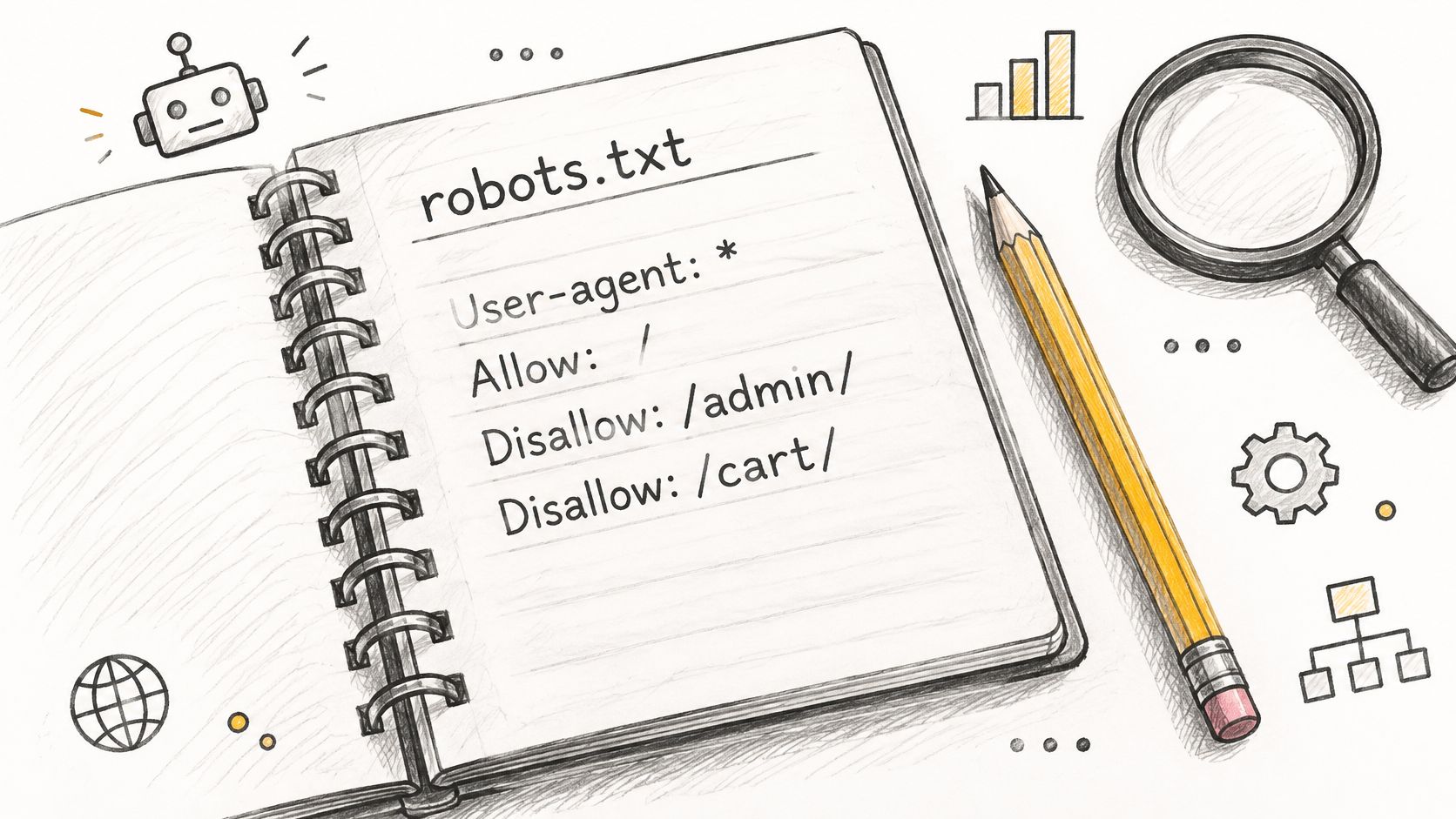
User-agent: *
Allow: /
Disallow: /admin/
Disallow: /cart/
Disallow: /search/
Disallow: /*?s=

User-agent: GPTBot
Allow: /

User-agent: OAI-SearchBot
Allow: /

User-agent: ChatGPT-User
Allow: /

User-agent: ClaudeBot
Allow: /

User-agent: Claude-SearchBot
Allow: /

User-agent: Claude-User
Allow: /

User-agent: PerplexityBot
Allow: /

User-agent: Google-Extended
Allow: /

Sitemap: <replace with the absolute URL of your sitemap on this host>
Replace the Sitemap placeholder before publishing. This starter makes an open-access policy explicit; it isn’t a training opt-out file.
The wildcard group allows public pages while excluding administrative, cart, and common internal-search URL patterns. Replace those patterns with paths your site actually uses. A search form that uses a different query parameter needs a different rule.
Each named group expresses a separate crawler decision. These groups allow all paths, so their crawlers don’t inherit the wildcard exclusions. Repeat the relevant path restrictions inside each named group before release if those exclusions should apply to them too.
A group runs until the next user-agent group begins; an empty Disallow: means nothing is blocked. The most specific matching path decides conflicting rules, not their position in the file.
In 2025, approximately 94.1% of the roughly 12.9 million websites analyzed by HTTP Archive included a robots.txt file with at least one directive, according to The Web Almanac. It’s an expected part of a site’s technical foundation.
Copy the file, replace the sample paths with your URL families, and confirm that the completed Sitemap line points to a live file.
AI Crawler User-Agents and What Each One Controls
Robots.txt is a voluntary standard that compliant crawlers follow, not an access-control system. The Robots Exclusion Protocol became a formal Internet standard in September 2022 through RFC 9309, as described in Google’s specification.
Separate training, search discovery, and user-triggered retrieval before choosing a rule. OpenAI and Anthropic expose distinct tokens for those functions; Perplexity distinguishes search crawling from user-triggered fetches. Don’t treat every token operated by the same company as interchangeable.
AI and search crawler user-agents and their functions
| User-agent token | Operator | Primary use | What a rule controls |
|---|---|---|---|
| Googlebot | Search crawling and indexing | Crawl access supporting Google Search visibility | |
| Google-Extended | Gemini and AI training control | AI content-use preferences; doesn’t crawl pages itself | |
| Bingbot | Microsoft | Search indexing | Crawl access supporting Bing and Copilot discovery |
| GPTBot | OpenAI | Model training data collection | Access for collecting OpenAI training content |
| OAI-SearchBot | OpenAI | ChatGPT search index | Access supporting inclusion and citation in ChatGPT search |
| ChatGPT-User | OpenAI | User-triggered fetches in ChatGPT | Published preference for opening requested pages |
| ClaudeBot | Anthropic | Model training data collection | Access for collecting Anthropic training content |
| Claude-SearchBot | Anthropic | Search result quality and indexing | Access supporting Claude search visibility |
| Claude-User | Anthropic | User-triggered fetches in Claude | Published preference for opening requested pages |
| PerplexityBot | Perplexity | Search index for cited answers | Access supporting Perplexity inclusion and citation |
| Perplexity-User | Perplexity | User-triggered fetches in Perplexity | Published preference for opening requested pages |
| CCBot | Common Crawl | Public web corpus used by many models | Inclusion in open web datasets |
Keep Googlebot and Bingbot accessible when organic and assistant-driven discovery are priorities. Google-Extended is a content-use control token, not a separate page-fetching crawler. CCBot belongs in the training-reuse decision rather than the search-indexing decision.
User-triggered agents need particular attention: a published rule isn’t equivalent to a firewall restriction, and operators can handle user-directed requests differently from automated crawling.
Google’s robots.txt guidance says crawlers may use a cached file for less than 24 hours and may stop crawling for the first 12 hours after a failed retrieval. Delivery and freshness therefore belong in your crawler policy, alongside syntax.
Working rule: Add a named group only when you have a documented reason to treat that crawler differently from the wildcard.
Allow or Block Rules for Each Business Goal
A blanket User-agent: * block or a one-click AI blocker combines decisions your business should make separately. A marketing team can want assistant citations while a licensing team limits training collection.
Start with an inventory of outcomes:
- Search indexing: Keep public service, product, location, and editorial pages accessible to search crawlers.
- AI-answer citation: Allow the search and retrieval functions that reach pages worth quoting.
- Model training: Record which training collectors may access your content.
- Site performance: Identify expensive URL families and unnecessary crawl requests.
- Content licensing: Separate published crawler preferences from contractual rights and enforcement.
The IETF’s AI-control workshop report describes fragmented AI crawler practices. That makes an explicit, monitored policy more useful than an undifferentiated AI-bot switch.
Robots.txt rules by business goal
| Business goal | Rules to write | Trade-off |
|---|---|---|
| Local service business wants recommendations in ChatGPT and Perplexity | Allow OAI-SearchBot, ChatGPT-User, PerplexityBot, and Perplexity-User | Supports citation discovery; training access stays open unless separately restricted, including GPTBot |
| Publisher with licensed articles wants citations but limits training | Disallow GPTBot, ClaudeBot, and CCBot; allow Googlebot, Bingbot, and search or user agents | Retains search access while reducing collection by named training crawlers |
| SaaS company wants its documentation quoted | Allow search and user agents on /docs/; disallow /app/ and /admin/ |
Documentation remains reachable; private application areas still need login protection |
| E-commerce site with faceted filters | Disallow selected filter-parameter URLs for every applicable crawler; keep category and product pages open | Directs crawling toward canonical pages; removing existing filtered URLs from results requires an indexing measure |
| Brand opts out of Google AI training only | Disallow Google-Extended; leave Googlebot allowed | Google Search crawl access remains unchanged |
Make the cost explicit
For a publisher, blocking training collectors expresses a useful boundary without shutting out search crawlers. Blocking search or user agents as well changes the discoverability decision and can remove retrieval opportunities.
For an e-commerce team, blocking every query string is usually too broad. A parameter might select a valuable product variation, support pagination, or identify a campaign landing page; inspect its purpose before excluding it.
Assign a named owner to each policy decision in your working document. Record the goal, affected tokens, allowed paths, and review trigger so a future crawler addition doesn’t reopen the entire discussion.
A robots.txt rule publishes a crawl preference. A commercial licence establishes rights and obligations. Use each for its actual job.
How to Generate Your Robots.txt Step by Step
A generator should translate an approved policy into plain text. It shouldn’t decide which parts of your business deserve discovery.
Use a spreadsheet with columns for URL family, representative path, intended crawler access, business owner, and reason. That document makes the generated file reviewable by marketing and engineering.
The build starts with the URL inventory and its decisions.
Build the policy and rules
-
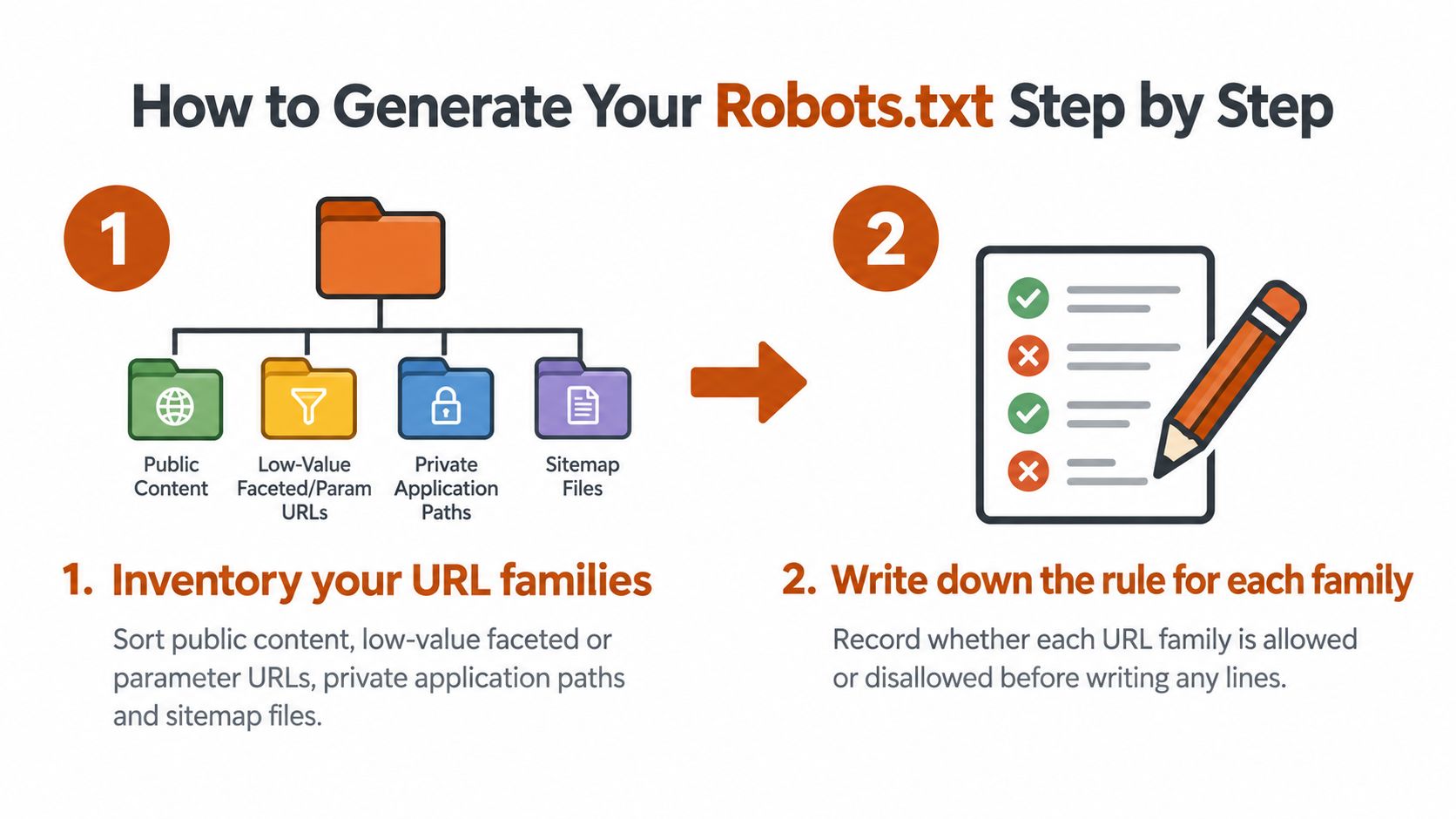
Inventory your URL families. Export paths from your CMS, sitemap, and crawl tool, such as Screaming Frog SEO Spider. Sort public content, low-value parameter URLs, private application paths, and sitemap files so rules reflect the site you actually operate.
-
Write down each crawler’s goal before entering directives. Mark search visibility, training opt-out, or unrestricted collection explicitly, because the same page can have different permissions for different functions.
-
Start with the wildcard group. Allow public content and exclude only the URL families you’ve approved. Use path rules such as
Disallow: /cart/, rather than broad fragments that also match unrelated pages, so valuable content remains reachable. -
Add a separate named group for each exception. Repeat all the path restrictions that crawler needs, because its specific group takes precedence over the wildcard rather than inheriting the wildcard’s exclusions.
Package the file for release
-
Add the sitemap declarations. Write
Sitemap:followed by the complete absolute sitemap URL, with a separate declaration for each file you want to advertise. Confirm the hostname and path match the published asset so crawlers receive a usable discovery route. -
Keep the file compact. Google’s robots.txt specification sets a maximum size of 500 KiB and ignores content beyond that limit, so avoid repetitive URL-by-URL exclusions and keep important directives near the top.
-
Save plain text as
robots.txt. Publish it at the origin root of every host that serves relevant content, including content-bearing subdomains. Don’t upload a rich-text document or return an HTML page, because crawlers need the actual directive file. -
Retain the previous version and the policy spreadsheet in version control. Give the release owner a clear rollback procedure so an unintended restriction can be reversed promptly.
Use comments beginning with # to explain unusual exceptions, not to duplicate every directive in prose. A comment such as # Exclude internal search results gives a reviewer useful context without making the file cumbersome.
An llms.txt generator can help prepare a separate business summary for machine readers. Keep that summary distinct from robots.txt, which is the file crawlers consult for crawl preferences.
For a visual walkthrough of file creation, use this companion video.
The build is complete when every URL family has an explicit decision and a reviewer who didn’t write the file can understand each exception. Testing is still part of generation, not an optional task after publication.
Mistakes That Silently Block Crawlers
Say a release copies a staging rule into production: Disallow: / remains under User-agent: *. Visitors can still use the site, the homepage looks normal, and the marketing team sees no visible failure while compliant wildcard crawlers stop requesting pages.
That’s why reviewing the website in a browser isn’t enough. Review the file crawlers receive and the group each crawler selects.
Robots.txt mistakes, their effects and fixes
| Mistake | What it causes | Fix |
|---|---|---|
Disallow: / under User-agent: * |
Stops site-wide crawling for crawlers governed by that group | Restrict exclusions to intended private or low-value paths |
Blocking /assets/ or /static/ |
Prevents crawlers from retrieving CSS or JavaScript needed for rendering | Allow required asset directories |
| Crawl-delay written for Googlebot | No Google throttling and false confidence | Remove it for Google; use a crawler-specific Bing directive |
| Robots.txt used to hide private pages | URLs remain reachable and can still appear in results | Protect sensitive areas with authentication |
Redirect chains or server errors at /robots.txt |
Can pause crawling or leave crawlers using stale rules | Serve the file directly with a successful plain-text response |
Check delivery, not just syntax
Successful HTTP responses let Google process the file. Most client-error responses mean no file and therefore no crawl restrictions, while rate-limit responses receive different treatment. Redirect chains and server failures introduce another problem: the crawler might not receive your latest policy at all.
Keep redirect handling short and direct. Google’s documented redirect handling follows at least five hops; it isn’t an at-most-five rule. During prolonged retrieval failures, Google can continue using the last successfully fetched version, so checking the file in your CMS doesn’t establish what a crawler has read.
Use throttling and privacy controls correctly
Google doesn’t support Crawl-delay. Bing’s MSNBot crawl-delay guidance requires a positive whole number and describes 1 as slow, 5 as very slow, and 10 as extremely slow; use the lowest practical value in a Bing-specific group to preserve freshness.
The Robots Exclusion Protocol standard defines crawler instructions, not a security boundary. Private content needs authentication and server-side authorization. For public pages that should leave search results, use an appropriate indexing directive and let the crawler access it.
Release check: An exclusion that looks precise in the editor can still block a required script, a valuable URL variation, or an entire crawler group.
How to Test and Deploy Your File Safely
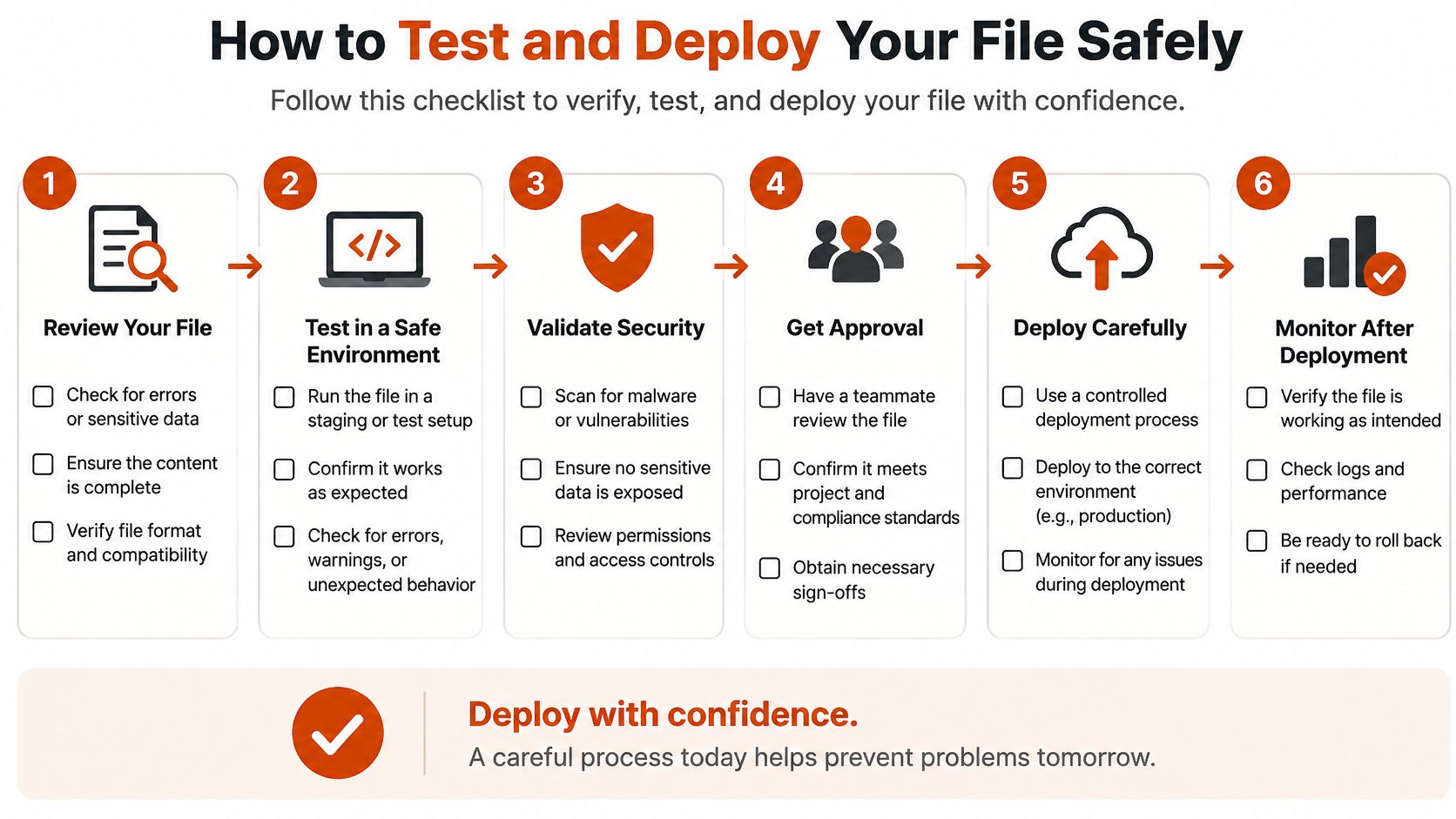
Treat the release as a set of pass-or-fail checks. Keep a small test matrix containing each crawler token, representative URL, expected decision, and actual result.
The checklist below keeps deployment focused on what crawlers receive.
Verify the release
-
Fetch every relevant host’s root file. Pass when the live response succeeds, contains the intended directives, and is served as plain text.
-
Test representative URLs with query strings, encoded characters, trailing slashes, uppercase paths, and critical CSS and JavaScript. Pass when each actual decision matches your test matrix.
-
Inspect the winning rule. Confirm the most specific path wins; for equal-length conflicts, Google uses the least restrictive rule. Pass when every named token selects its intended group.
-
Review the diff against the previous version. Pass when every changed line has an approved purpose and no staging restriction has entered production.
-
Validate sitemap files. Pass when each stays within Google’s limits of 50 MB uncompressed and 50,000 URLs, with larger inventories split across files and coordinated through an index, as specified in Google’s sitemap guide.
-
Monitor server logs after deployment. Pass when identified crawler traffic reaches intended pages without new access errors; verify identities rather than trusting user-agent text alone.
-
Repeat retrieval from different network locations. Pass when the CDN and origin consistently serve the same approved policy.
Use Google Search Console’s robots.txt report and Bing Webmaster Tools to inspect the live deployment, alongside staging rule tests before release. An AI search visibility audit connects these technical checks with customer-facing discovery.
No release proceeds without a staging test, a diff review, and a response-status check.
Match Your Rules to the Questions Customers Ask
A valid file establishes crawl access. The business outcome is that assistants can find useful pages and accurately name, describe, and cite your company.
Write the questions customers ask before buying, then run them across ChatGPT, Google AI, Claude, and Perplexity. Record the businesses named, the descriptions used, and the cited pages; examples of focus keywords can help connect your page topics with customer language.
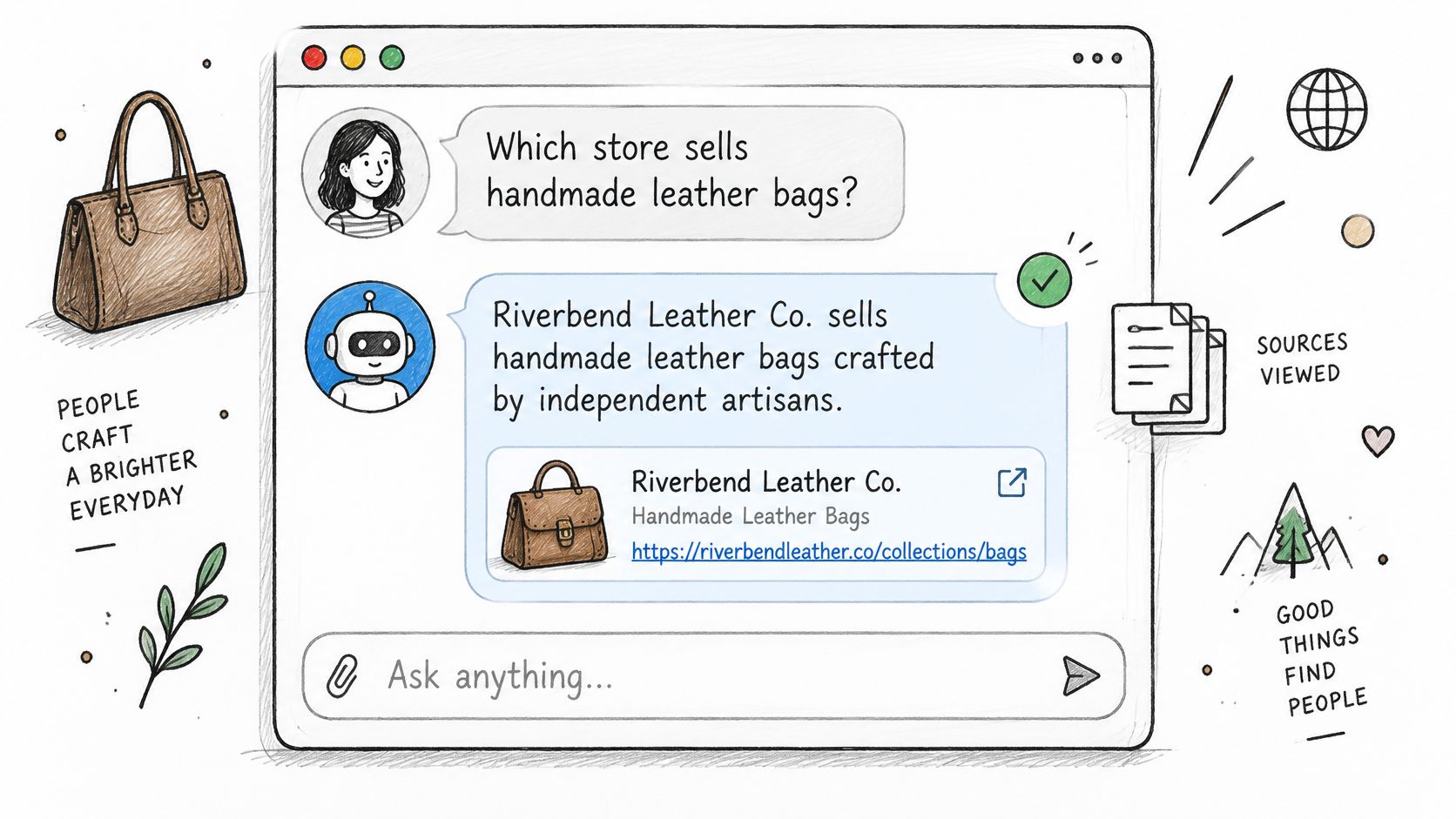
Compare intended citation pages with the relevant crawler’s access decision. If access is correct but the page isn’t cited, examine its answer clarity, factual specificity, and supporting references rather than changing robots.txt blindly.
For an outside baseline, AnswerLion is an AEO agency that starts with measurement. After a call, we confirm the questions, test them across major AI engines, and send a short written report with gaps and recommended first fixes; no client-site changes happen before the client sees that report. We then repeat the same questions regularly, recording whether the business is named, how it’s described, and who else is cited.
Pick five customer questions and run them this week.
AnswerLion offers a baseline AEO audit and prioritized technical and content fixes that connect crawler access with the answers customers receive. Visit AnswerLion to establish how major AI engines describe your business and identify the first changes to make.