 AnswerLion
llms.txt generator
10 Best Llms.txt Generator Tools to Try in 2026
Compare 10 llms.txt generator tools and WordPress plugins, with honest limitations, example use cases, and practical tips for publishing your file.
Published · Updated · By AnswerLion

You have a catalog, a service menu, or a documentation set that already answers real customer questions, and someone on the team just asked whether an llms.txt file should go live this week. An llms.txt generator is the practical way to get there. It drafts the Markdown map that would otherwise take hours of copying titles, picking URLs, and writing one-line notes.
Jeremy Howard of Answer.AI introduced the proposal on September 3, 2024. The file sits at the site root, typically /llms.txt, and holds a short description plus curated links to the resources you want models to notice. The design goal is a clean, high-signal alternative to navigation, scripts, boilerplate, and duplicated HTML. Unlike robots.txt, which states crawler access preferences, this file is a content guide that people and machines can both read. It is an emerging convention, not a formal web standard, and it works best beside answer-first pages, structured data, crawlable HTML, XML sitemaps, and consistent third-party listings.
The proposed structure stays deliberately small. The only required element is an H1 with the site or project name. A blockquote can summarize the business, then optional prose and H2 sections hold links written as name, with a note after a colon when a page needs context. A file can also live on a subpath such as /docs/llms.txt, covering URLs beneath that path, with the most specific file taking priority.
The ten options below are grouped by the job they do well: measured visibility work, multi-site automation, commerce extraction, free first drafts, hands-on curation, chatbot prep, and WordPress publishing.
Table of Contents
- 1. Services
- 2. LLMs.txt Generator, llms-txt.io
- 3. LLMs.txt Generator, llmstxtgenerator.de
- 4. LLMrefs Generator
- 5. Altheo Free Generator
- 6. DesignRevision Generator and Validator
- 7. LiveChatAI Generator
- 8. SiteSpeakAI Generator
- 9. LLMs.txt Curator (WordPress)
- 10. Dynamic llms.txt Generator (WordPress)
- Top 10 llms.txt Generator Comparison: Features & Functionality
- Picking a Tool and Publishing the File
1. Services
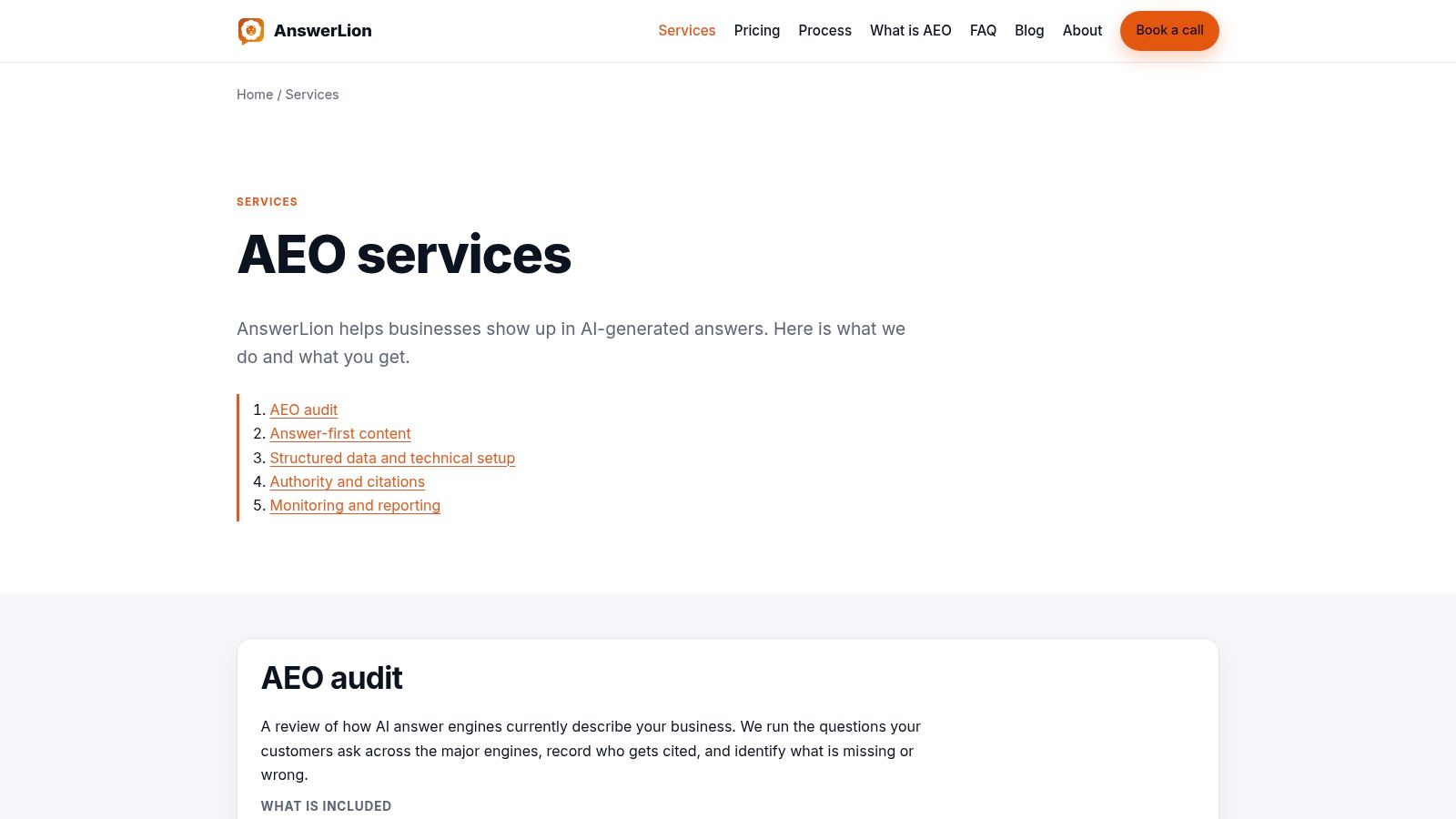
AnswerLion is the option to choose when the file is one piece of a larger visibility program, not the whole program. The work starts by running priority customer questions across ChatGPT, Google AI, Claude, and Perplexity, then recording who gets named and which details are missing or wrong. That baseline tells you whether assistants already describe the company correctly before anyone publishes a new Markdown file.
A 2025 study extracted 366,087 citations from responses produced by 12 AI-search models across OpenAI, Perplexity, and Google. Citation behavior can be measured in the answers themselves. AnswerLion uses that kind of question-level evidence, then closes gaps with direct page openings, Schema.org markup, crawler access, sitemaps, an llms.txt summary, and cleaner business listings.
What you get beyond a generated file
- Documented baseline: Priority questions and competitor mentions are recorded before changes go live.
- Machine-readable stack: Answer-first pages, schema, robots rules, sitemaps, and the summary file ship together.
- Multi-engine tracking: The same questions are rerun so movement shows up in plain-language reports.
- Listing consistency: Directory and review profiles are corrected so company facts match the site.
- Prioritized next steps: Non-technical stakeholders see what to fix next, not a raw crawl log.
Practical rule: Keep the file as a low-cost machine-readable summary, and credit visibility gains only when before-and-after answers change.
Outcomes depend on how each assistant retrieves and cites sources, so the engagement is built as ongoing monitoring rather than a one-time export. Teams that want a single download and nothing else will move faster with a free generator. Marketing directors who need a named owner, a baseline, and a monthly read on recommendations get more from this service.
2. LLMs.txt Generator, llms-txt.io
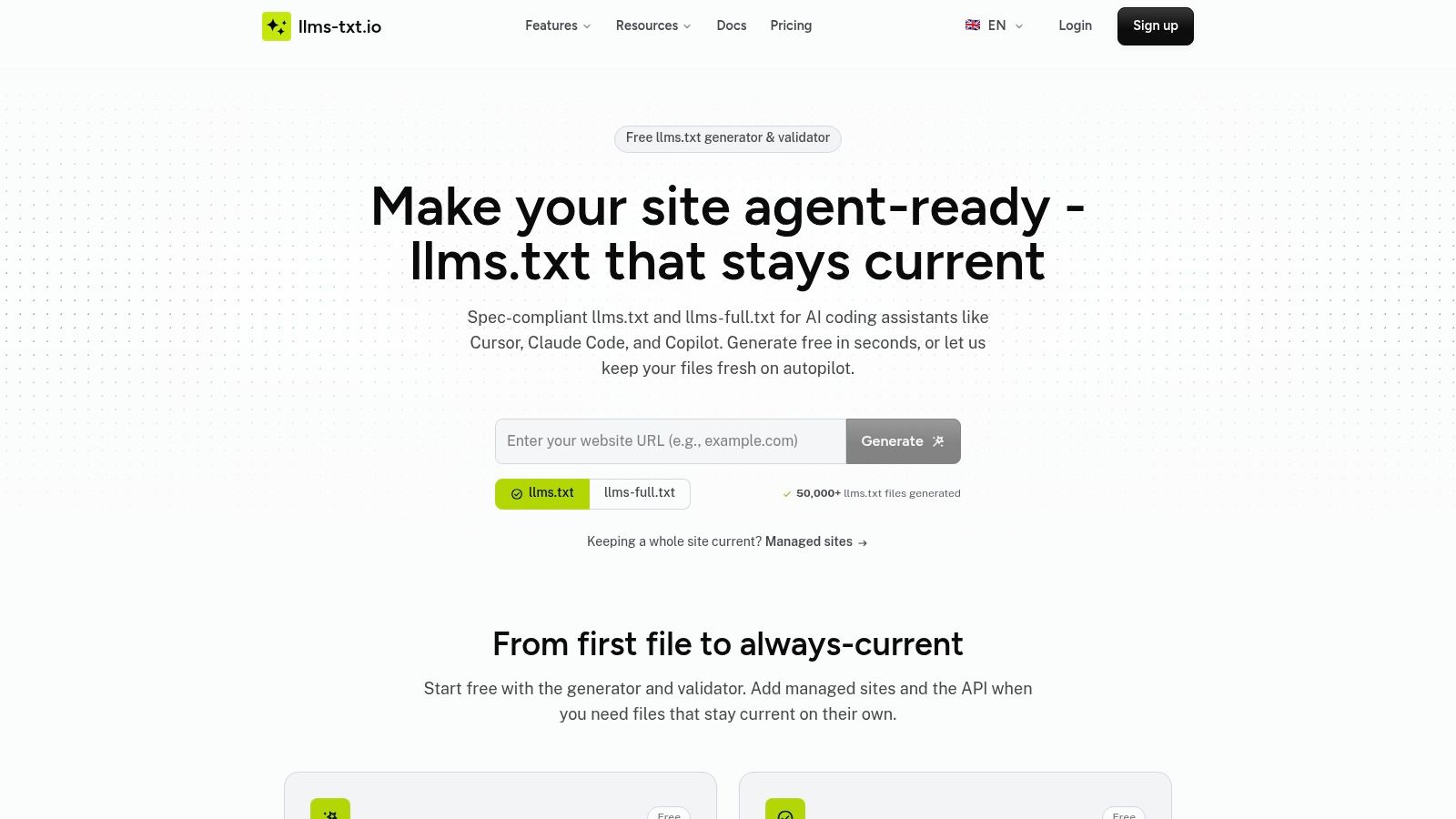
llms-txt.io suits developers and agency teams maintaining several sites that cannot rely on a static export in a repo. The browser flow produces a one-off llms.txt and an llms-full.txt companion. The paid and keyed paths handle the work that keeps files current: API generation, validation, managed hosting, scheduled refreshes, stable file URLs, and webhooks when content changes.
That maintenance layer is the reason to pick it. Files drift as pricing changes, URLs retire, and new pages ship. A summary that matched the site in March can mislead a crawler by June if nobody owns regeneration. For a portfolio, scheduled updates matter more than the first draft.
Where it fits an agency workflow
- Free browser draft: A one-off file, including the full companion, does not require an account.
- API and validation: Programmatic generation and checks require an API key, so automation is gated rather than part of the anonymous draft.
- Managed hosting: Paid tiers cover higher limits, scheduled refreshes, and hosted URLs; the agency plan supports up to 10 managed sites.
- Change alerts: Webhooks tell you when a hosted file updates.
Pair the output with pages that already answer a specific query. A tight set of focus keyword examples keeps each linked note pointed at one intent instead of a vague site tour. The cost appears when you leave the browser draft: keys, limits, and monthly fees. For a single brochure site, that overhead is unnecessary. For client sites that change every month, automation is the point.
3. LLMs.txt Generator, llmstxtgenerator.de
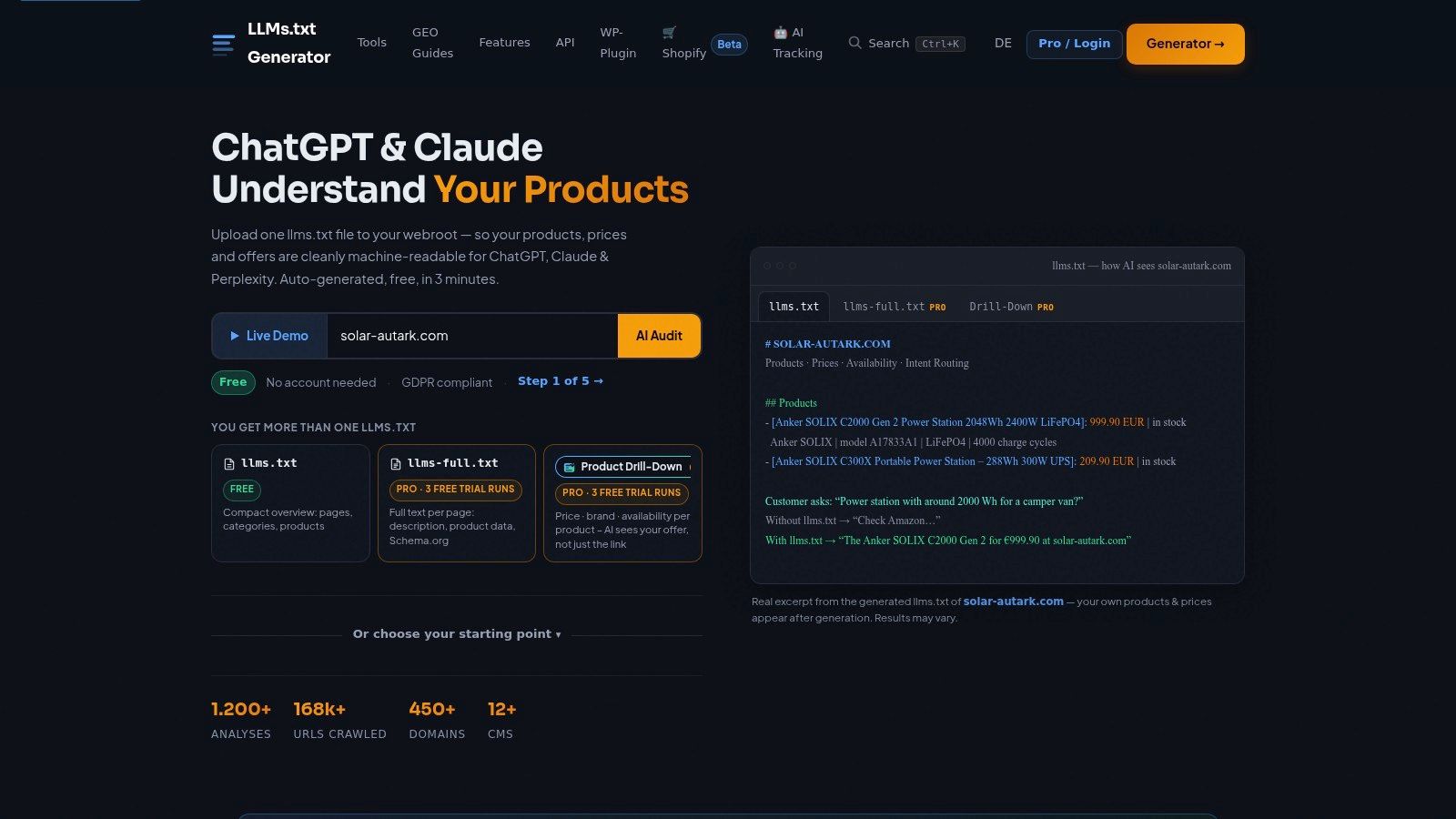
Store catalogs break generic link lists. llmstxtgenerator.de is built for that problem. It extracts product-page details such as price, brand, availability, and ratings, then organizes material around the questions shoppers commonly ask. You can generate both llms.txt and llms-full.txt, with intent routing for recommendation-style queries rather than a flat index of every URL.
Platform coverage includes WooCommerce, Shopify, Shopware, and Gambio, so a commerce team doesn’t have to rebuild product facts by hand. Free access and trial runs of some Pro features let you test extraction on a sample of SKUs before you commit.
Commerce-specific limits
- Paid depth: Advanced product features sit on a paid tier.
- Narrow fit: Service firms and publishers get little from product fields they don’t have.
- Editorial pass: Extracted prices and availability still need a human check before publish, because those facts move faster than a blog URL.
Use it when the file should help a model distinguish in-stock products, brands, and ratings. Skip it when the site is a services brochure. Treat the commerce fields as a curated layer on top of your best category and product pages, not as a dump of the entire catalog.
4. LLMrefs Generator
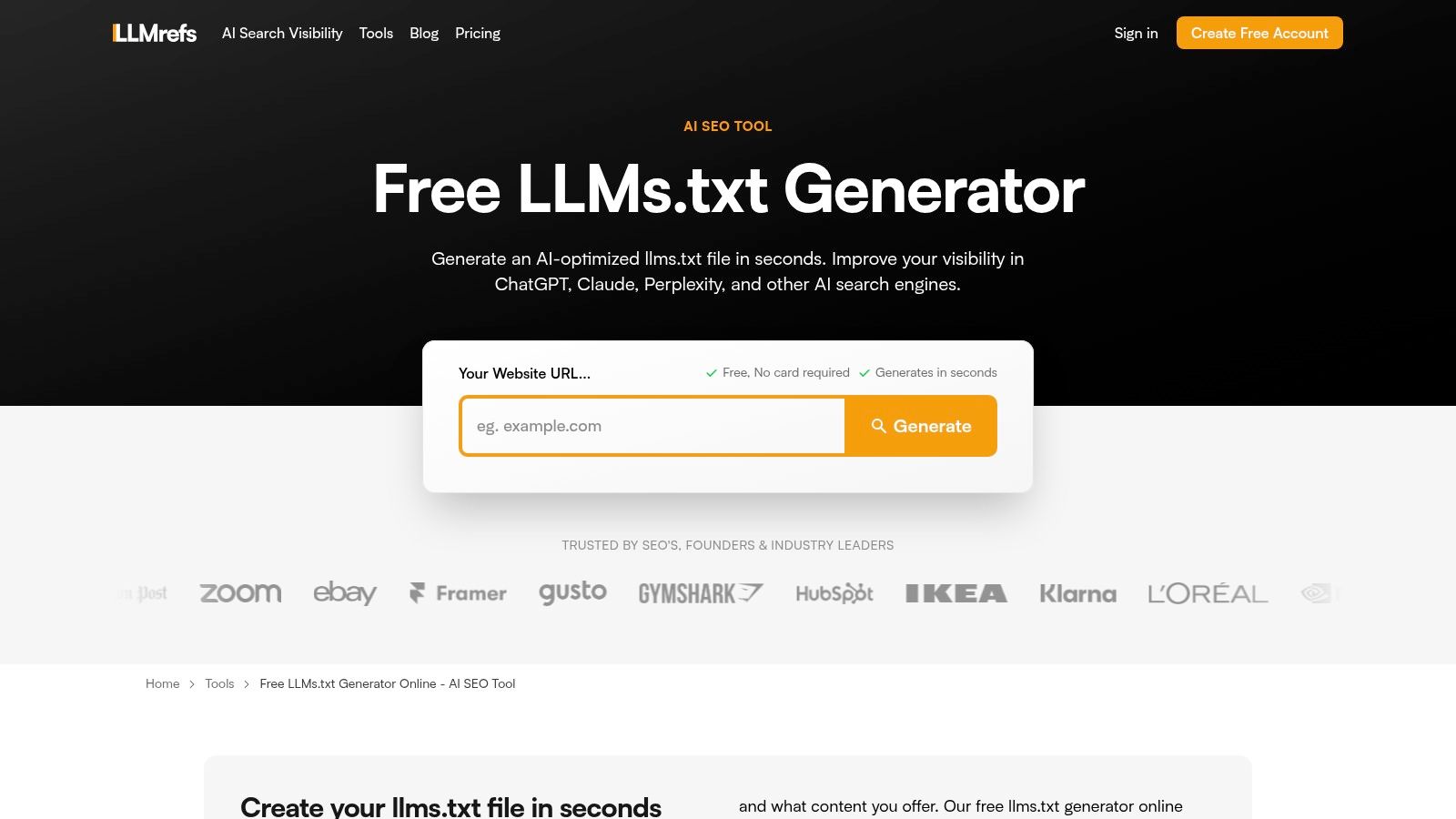
LLMrefs is the quick free draft for a site with too many internal pages to outline by hand. It crawls the site, follows internal links, writes descriptions with AI, and groups pages into sections such as documentation, tools, and blog posts. You edit the result and download it. No credit card is required.
Descriptions are the useful part. A naked URL list forces you to invent every note. Here you start from a sentence you can tighten, which is faster on a content-heavy marketing site. The same company offers separate AI-visibility monitoring, so teams already curious about mentions have a natural next step after the file exists.
The summaries still need a factual read. Models compress pages, and compression drops qualifiers, locations, and plan names. The tool produces a file to publish. It doesn’t implement schema, listings, or answer rewrites for you. Independent user-review evidence was limited in the sources checked, so judge the draft on your own pages rather than on testimonials. Best for a first pass on a mid-size site. Less useful if you already know the twenty URLs that should appear and want to type them yourself.
5. Altheo Free Generator
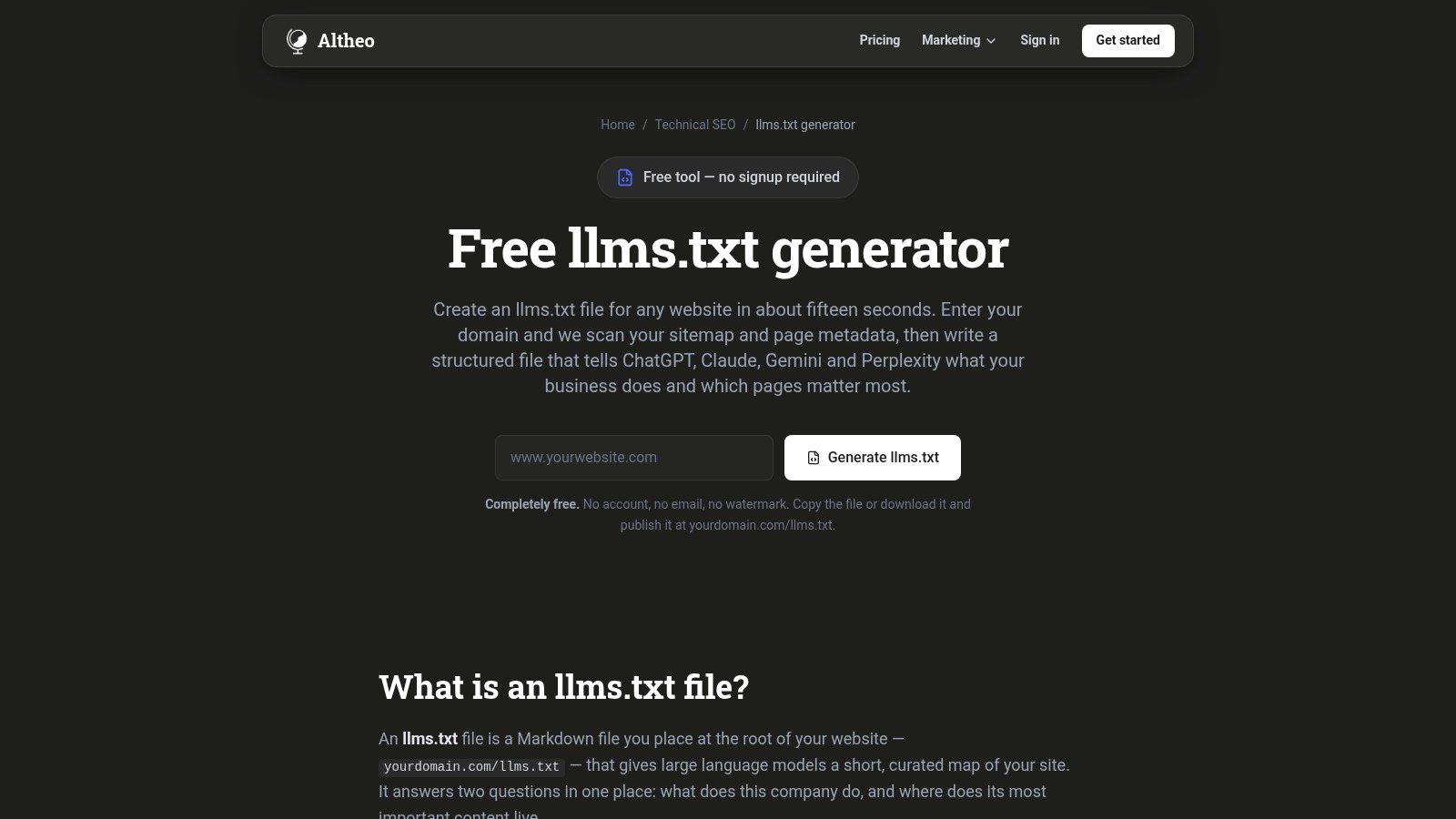
Altheo scans a sitemap and page metadata, ranks URLs, and writes a structured file you can copy or download with no email and no account. Discovery falls back to /sitemap.xml or homepage links. It pulls titles, meta descriptions, and H1s, then checks output URLs against pages it found. That verification step cuts invented links, which is the failure mode that makes a generated file worse than none.
The tool also states its own limits in plain terms, including limited adoption by major AI providers. That honesty matches the spread in the market. Reported rates across studies ranged from below 0.005% to 28%, depending on the population and on what counts as a valid file. A generator should show its denominator. Altheo shows its discovery path instead of implying a universal effect.
You get llms.txt only, not llms-full.txt. The output is a draft, and you publish it yourself. For a marketing site with a clean sitemap and solid meta descriptions, that is enough to ship a reviewed file the same afternoon. Sites with weak titles will inherit weak notes, so fix the metadata or edit the Markdown before it goes live.
6. DesignRevision Generator and Validator
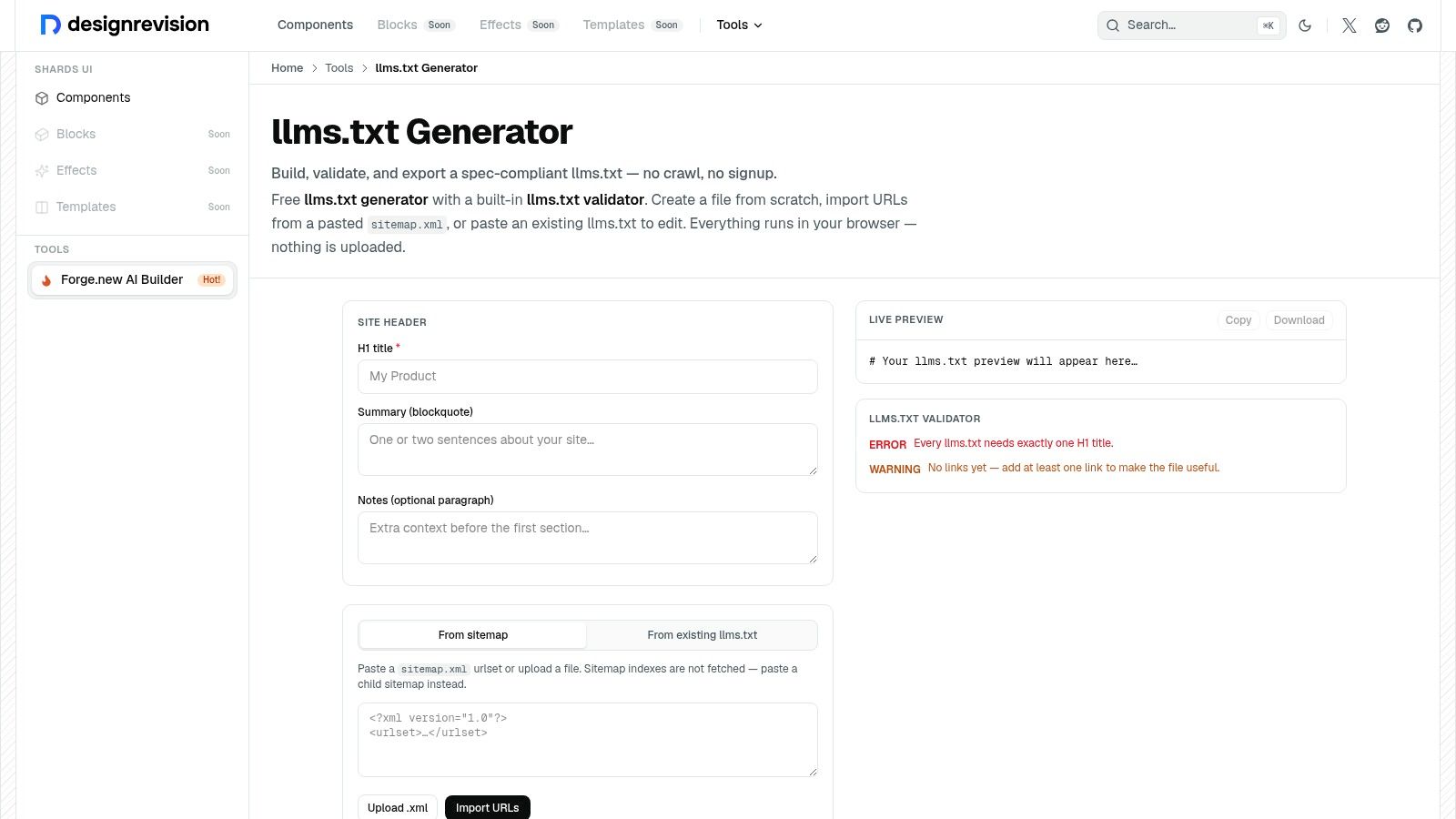
DesignRevision is the hands-on editor. You type details, import a sitemap or an existing file, watch live format validation, and copy or download the result. Processing stays in the browser, and no signup is required. Automated crawlers often pull tag archives, thin landing pages, and duplicate paths. This tool lets you leave those out on purpose.
Sitemap index files aren’t fetched for you. You supply a child sitemap. Nothing regenerates the file on a schedule, so ownership stays with the editor who last exported it.
Publishing a valid file and seeing assistants request it are different events, which is why log checks belong next to the export button.
A large analysis found that about 28% of 137,210 traffic-generating domains published a valid file, yet 97% of those files received zero requests in the measured month. A separate 90-day look recorded 84 llms.txt requests out of 62,100 AI-bot requests, about 0.1%, with a technology-detection crawler as the most consistent requester rather than an assistant writing answers, according to llmstxtgenerator.tools. Pair the curated file with LLM visibility tracking so you measure answers, not just HTTP status. Choose this when a specialist should approve every link. Skip it when you need a hundred pages summarized before lunch.
7. LiveChatAI Generator
LiveChatAI crawls a site and turns URLs, titles, and descriptions into an editable file you can copy or download. Documentation for the tool puts the crawl at up to 100 pages, which is a clear ceiling for a first knowledge pass. The same output can seed a chatbot knowledge workflow, so support teams get a structured brief while marketing gets a root file.
Make the file and the pages agree
Schema.org’s FAQ explains that structured information gives search engines the details they need to improve search. Page-level markup and a Markdown overview do different jobs. Schema states entities on the page. The file points to the pages worth opening. A worked FAQ schema example shows how those questions should read in HTML so the summary and the page don’t contradict each other.
- Fast review: Page summaries are quicker to scan than a raw URL dump.
- Second use: The same notes can prep chatbot content.
- Accuracy check: Look for omitted plans, regions, and product names before you publish.
- Evidence gap: Public independent reviews were limited in the sources checked.
Broad readiness language on a generator page isn’t the same thing as a citation. Use LiveChatAI when you want a free, bounded crawl and a chatbot-friendly draft. Move to a platform tool if the site is far larger than 100 pages.
8. SiteSpeakAI Generator
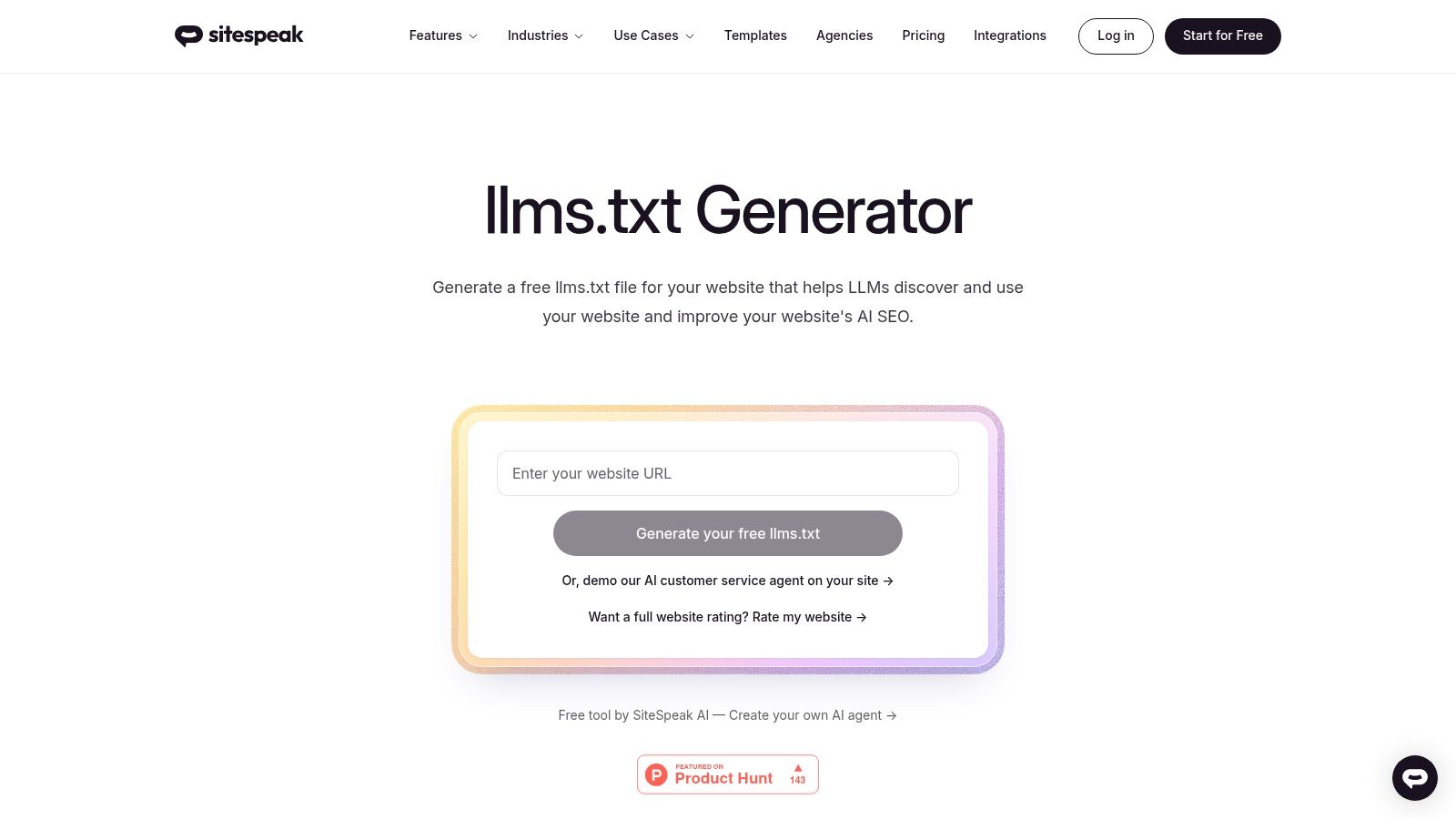
SiteSpeakAI asks for a URL, crawls and summarizes pages, and hands back formatted Markdown meant for the site root. It is free, and it sits inside a broader AI-chatbot product set, so teams already building a site assistant can reuse the same summaries.
The cited product information doesn’t state a crawl limit or a schedule for later updates. That makes the tool a clean starting point and a weak system of record. You still review facts, confirm the file returns a successful response, and decide who regenerates it after a launch or a pricing change. Independent feedback was limited, so the right test is a small site you know well. If the summaries match the pages you would have chosen yourself, keep the workflow. If they wander into low-value URLs, switch to a curator that lets you order pages by hand. Chatbot teams get a bonus path. Everyone else gets a simple free generator with little operational overhead and little ongoing automation.
9. LLMs.txt Curator (WordPress)
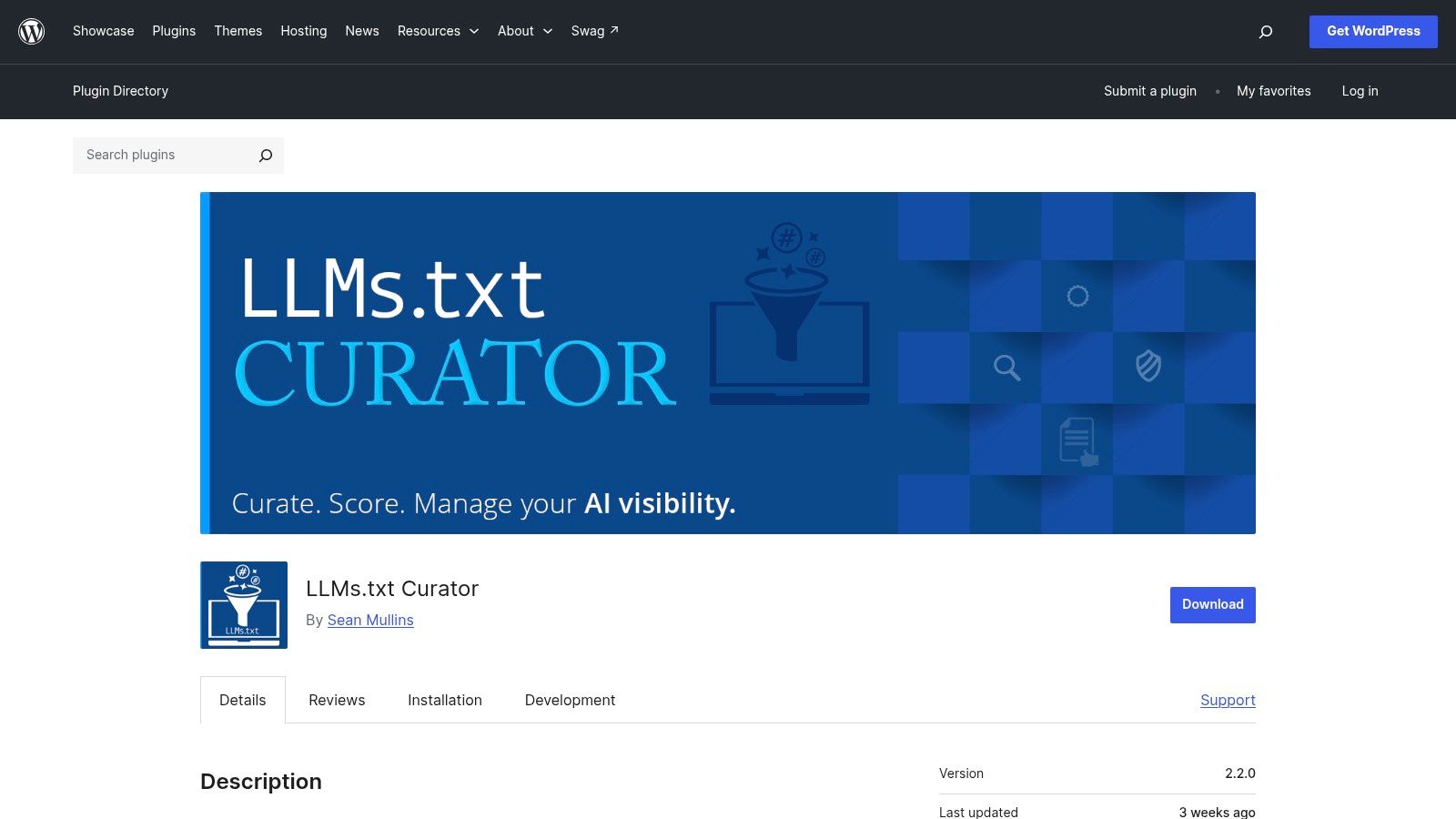
LLMs.txt Curator is the WordPress plugin for editors who want to choose the list. You select pages, set their order, write descriptions, and can publish an optional full-Markdown companion. Checks run before the file goes live, and the plugin can read server logs for AI crawler activity. The documentation is clear about what the file does and what it doesn’t claim, including rankings.
It is open source and listed in the WordPress plugin directory. A user review reports compatibility with WordPress and another SEO plugin. That is a useful signal for a typical marketing stack, not a full compatibility lab.
Why curation beats a blind export on WordPress
- Editorial order: Service pages and locations can lead. Tag archives can stay out.
- Safety checks: Validation runs before you publish over an existing file.
- Log visibility: You can see whether crawlers requested the file after it went live.
- Scope: WordPress only. Other CMSs need a different tool.
- Setup time: Someone still decides which pages belong. There is no no-touch mode.
Check for conflicts with a file you already uploaded by FTP. For a multi-location services brand on WordPress, this is the plugin that matches how editors already work.
10. Dynamic llms.txt Generator (WordPress)
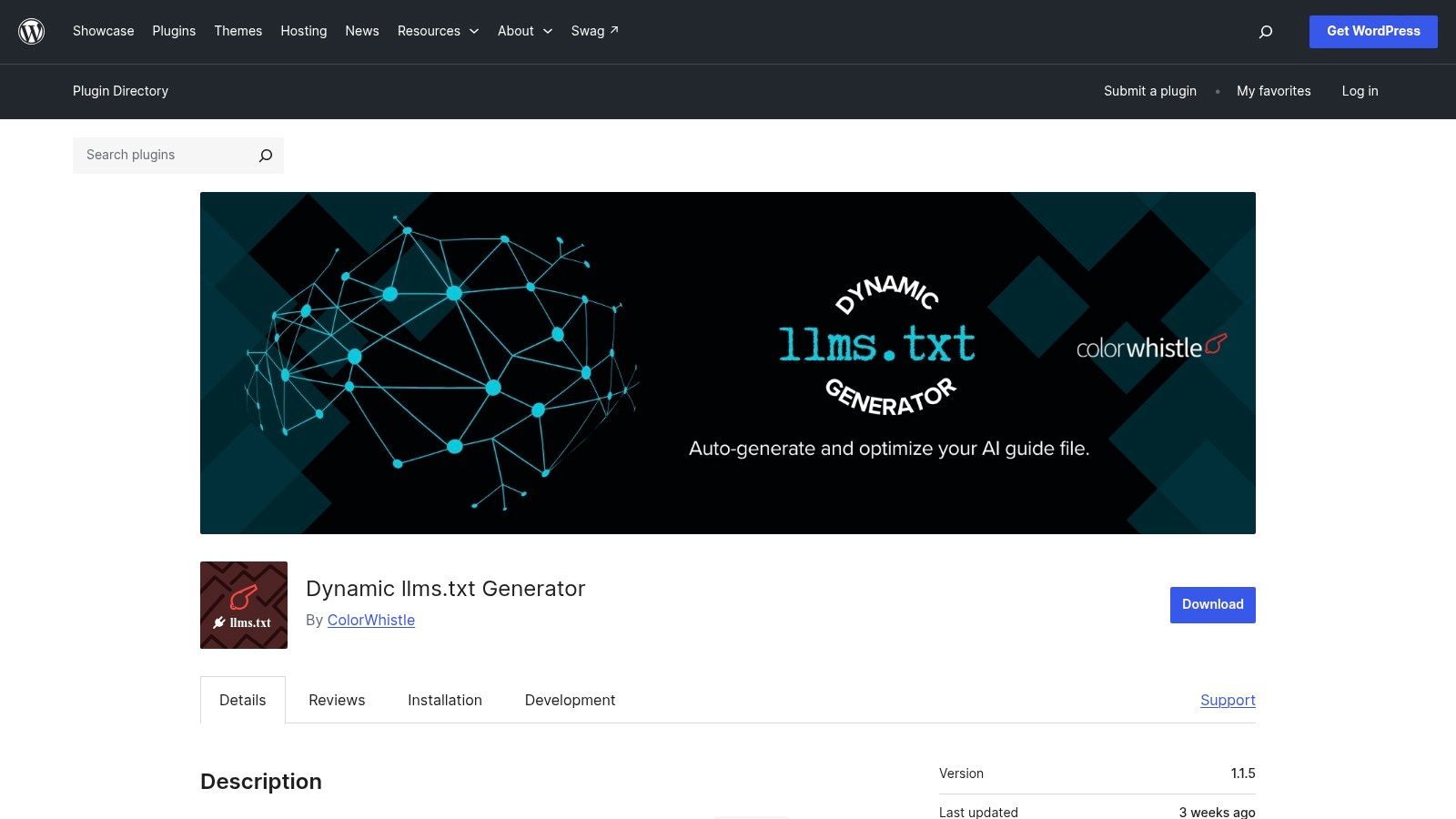
Dynamic llms.txt Generator maintains a more detailed WordPress file as content changes. Posts, pages, products, and custom post types can be included. Administrators set page limits and word limits, and they choose whether metadata, excerpts, taxonomies, headings, and main content appear. Generation can run on a schedule or on demand, with caching. WooCommerce support covers stores that publish products as post types rather than as a handful of static pages.
Large libraries are the fit. A newsroom, a docs site, or a catalog that adds URLs every week will outgrow a one-time export. Limits are the control that keeps the file readable. Without a page cap and a word cap, the Markdown becomes a second copy of the whole CMS, which is harder for anyone to review.
The plugin is WordPress-only. A listing review isn’t the same as broad independent testing, so stage it against your theme and confirm the generated file matches the post types you intended. Use Curator when a short, hand-ordered list is the goal. Use this plugin when the library is large, products and custom types matter, and you want regeneration without retyping the file.
Top 10 llms.txt Generator Comparison: Features & Functionality
| Solution | Core capabilities | Best fit | Standout / trade-off | Pricing |
|---|---|---|---|---|
| AnswerLion Services | AEO audit, answer-first content, schema and crawler setup, citations, multi-engine monitoring | 👥 Businesses seeking hands-on AEO improvements | 🏆 Measures baseline before changes; ✨ combines implementation and reporting. AI citations and timing aren’t guaranteed. | 💰 Not specified |
| LLMs.txt Generator, llms-txt.io | Web and full-file generation, API, managed refreshes, hosted URLs, webhooks | 👥 Developers, agencies, multi-site teams | ✨ Automation and agency support for up to 10 sites; paid tiers unlock managed hosting and higher limits. | 💰 Free web tool; paid options |
| LLMs.txt Generator, llmstxtgenerator.de | Product extraction, intent routing, llms.txt and full-file generation | 👥 E-commerce teams using supported platforms | ✨ Includes product details such as price and availability; less suited to non-commerce sites. | 💰 Free access; advanced features paid |
| LLMrefs Generator | Site crawling, AI-written page descriptions, categorized editable output | 👥 Site owners creating a first draft | ★ Free and adds descriptions, not just URLs; summaries need accuracy review. | 💰 Free |
| Altheo Free Generator | Sitemap and metadata scanning, page ranking, URL verification | 👥 Site owners wanting a simple draft | ✨ Explains its process and limitations; no full-file generation or automatic publishing. | 💰 Free |
| DesignRevision Generator and Validator | Manual editing, sitemap/file import, live validation, export | 👥 Users who want editorial control | ✨ Client-side processing; more hands-on and no scheduled updates. | 💰 Free; no signup |
| LiveChatAI Generator | Crawling and page summaries, editable output, up to 100 pages | 👥 Site owners and chatbot teams | ✨ Output can support chatbot knowledge workflows; summaries require review. | 💰 Free |
| SiteSpeakAI Generator | Site crawling, page summaries, formatted file output | 👥 Site owners and chatbot teams | ✨ Simple starting point within a chatbot ecosystem; crawl limits and update automation aren’t specified. | 💰 Free |
| LLMs.txt Curator (WordPress) | Curated page selection, validation, optional full file, crawler-log checks | 👥 WordPress site owners wanting control | 🏆 Open source with clear limitations; requires setup and editorial input. | 💰 Open source |
| Dynamic llms.txt Generator (WordPress) | Configurable content types, scheduled generation, caching, WooCommerce support | 👥 WordPress sites with large or changing content libraries | ✨ Supports products and custom post types; detailed output needs careful configuration. | 💰 Not specified |
Picking a Tool and Publishing the File
Match the tool to the job, then publish with the same last steps no matter which one you used.
Free crawlers such as LLMrefs, Altheo, LiveChatAI, and SiteSpeakAI suit a small or mid-size site that needs a draft today. Commerce extraction on llmstxtgenerator.de suits stores on WooCommerce, Shopify, Shopware, or Gambio. WordPress sites should stay inside the CMS. Curator is the short, ordered list. Dynamic llms.txt Generator is the large or fast-changing library. llms-txt.io suits agencies that need an API, hosted URLs, and refresh schedules. AnswerLion suits teams that want the file inside a measured, multi-engine program.
Interest in the format has grown fast, and the counts depend on method. One monitoring set covering more than 3 million websites counted 4,088 files in June 2025 and 36,120 by May 2026, about 8.8 times in eleven months. Related formats brought the May 2026 total to 38,980, while BuiltWith tracking cited about 844,000 websites by October 2025. Those figures are directional. A published file still has to be accurate.
The shared last mile
- Review every description: Confirm names, locations, prices, and product claims against the live page.
- Drop low-value URLs: Remove tags, thin duplicates, and pages you wouldn’t want quoted.
- Publish at the root: Serve
/llms.txtas Markdown, with a direct response and no surprise redirect chain. - Open the crawl path: Google’s common crawlers, including Googlebot, obey robots.txt on automatic crawls, and those rules can allow or disallow a page or a whole site. Confirm the summary and the linked pages aren’t blocked, and keep the XML sitemap aligned.
- Separate stable facts from volatile ones: Identity and locations can stay. Pricing and availability need an owner and a refresh date.
- Watch answers, not only file status: Rerun priority questions and compare citations with competitors.
Do that and the file you ship is a curated map of the business, not an unreviewed export.
AnswerLion measures how ChatGPT, Google AI, Claude, and Perplexity describe your company, then improves the pages, structured data, crawler access, listings, and llms.txt summary those answers rely on. If you want that baseline and a clear set of next steps, visit AnswerLion.